

Replace stale PDFs with a phone-friendly menu your team can update anytime. Guests always see current items, prices, and availability.
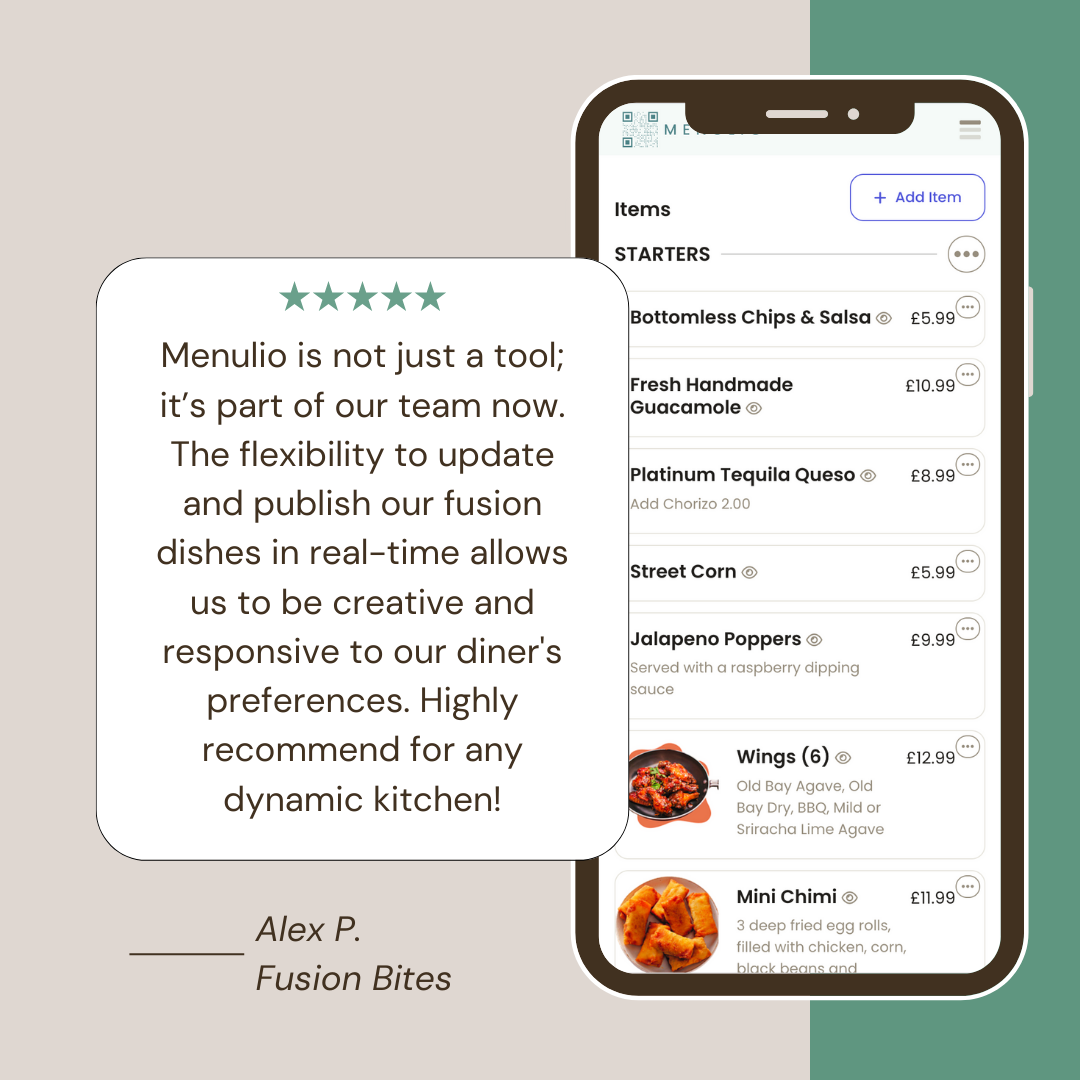
A digital menu is an online version of a restaurant menu that guests can open on their phone. Menulio makes the digital menu editable, so operators can update dishes, drinks, prices, photos, translations, availability, ingredients, nutrition, and reservation links without replacing printed material.
Edit menu content directly instead of uploading another file whenever something changes.
Show photos, ingredients, nutrition, translations, and unavailable items in a phone-friendly layout.
Keep one menu source current before service, during rushes, and after sold-out changes.
| Criterion | Menulio digital menu | Static PDF menu | Printed menu |
|---|---|---|---|
| Best fit | Menus that need live edits, QR access, translations, and item details. | Menus that rarely change and only need a file online. | Dining rooms where a physical menu is still part of service. |
| Update workflow | Edit items, prices, photos, and availability in the dashboard. | Redesign or export a new PDF, then replace the old file. | Reprint when prices, dishes, or availability change. |
| Guest experience | Phone-friendly sections, item photos, translations, and current sold-out status. | Pinch-and-zoom reading on many phones. | Familiar, but can become stale quickly. |
| Main tradeoff | Requires setup in a menu builder before sharing. | Simple to upload but harder to keep current and easy to read. | Tangible at the table but creates reprint friction. |
No. A PDF is usually a static file. Menulio is an editable digital menu that can show current items, photos, translations, and availability in a phone-friendly layout.
Yes. Menulio gives you a QR code guests can scan from tables, counters, signs, flyers, or a food-truck window.
Yes. You can update item availability, prices, descriptions, photos, and menu sections from the dashboard.
Yes. Menulio is built for hospitality operators that need clear, current menus without extra admin work.
Try it free for 15 days
10€/ month afterwards