

Use a live QR menu when prices, availability, or dishes change often. Guests get a phone-friendly menu instead of a static file.

A QR menu opens a live, phone-friendly menu. A PDF menu usually opens a static file that guests may need to zoom, scroll, or replace when the menu changes. For restaurants, cafes, bars, and food trucks with frequent updates, Menulio reduces stale-menu friction.
| Criterion | Menulio QR menu | PDF menu |
|---|---|---|
| Updates | Edit items, prices, photos, sold-out status, and translations in the dashboard. | Redesign, export, upload, and replace the file. |
| Phone reading | Built for phone screens with categories, item pages, and readable details. | Often requires pinch-and-zoom, especially on dense print layouts. |
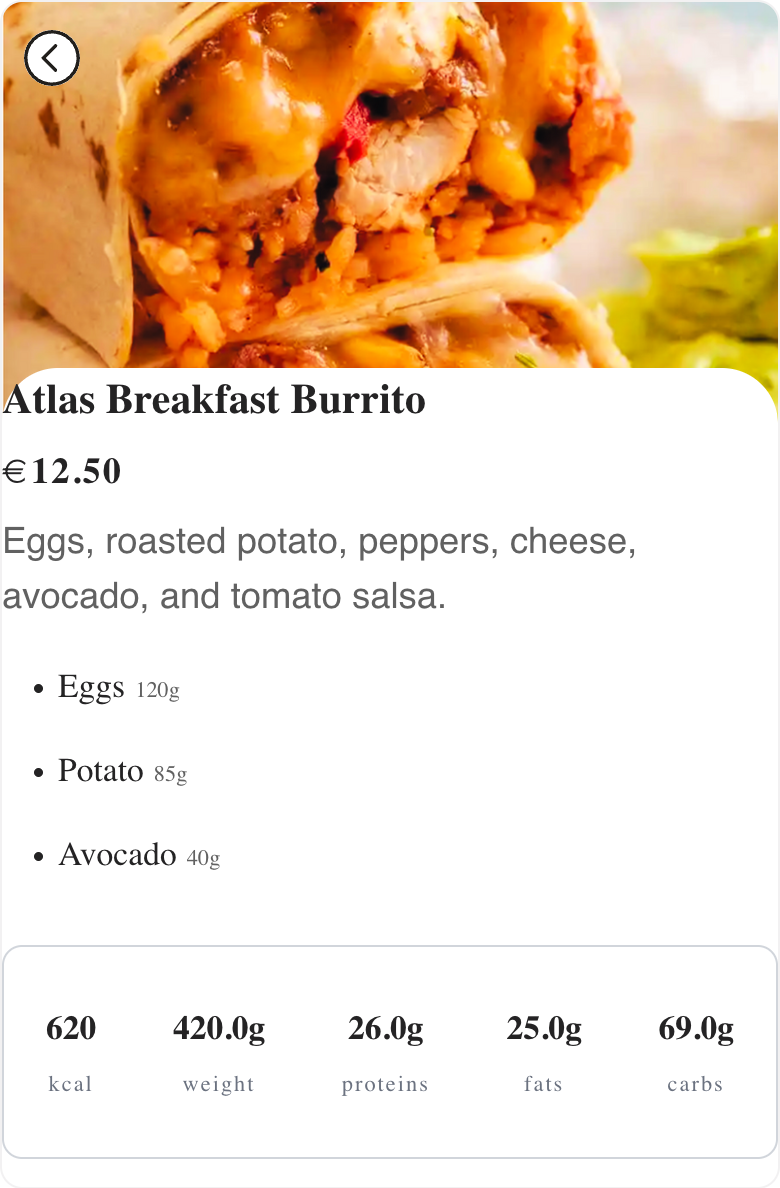
| Guest details | Show photos, ingredients, nutrition, translations, availability, and reservation links. | Limited by the PDF layout and file-update workflow. |
| Best fit | Menus that change during the week or during service. | Menus that rarely change and only need a downloadable file. |
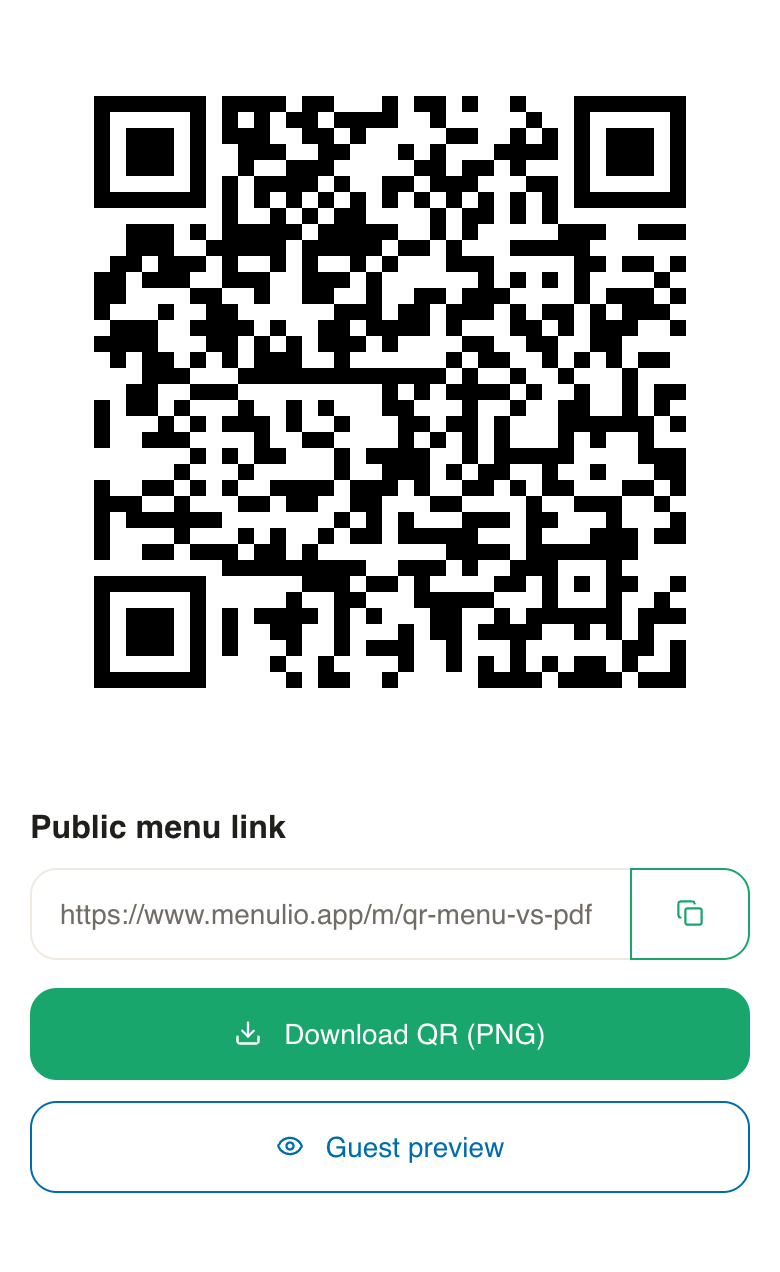
Yes. Menulio lets you edit the live menu while the same printed QR code keeps pointing to the latest version.
No. If your menu rarely changes and the PDF reads well on phones, a PDF may be enough. Menulio is stronger when menu accuracy and easy updates matter.
Yes. Menulio supports item photos, translated names and descriptions, ingredients, nutrition, and sold-out status.
Yes. The same public menu link can work behind your QR code, website button, social profile, or event flyer.
Try it free for 15 days
10€/ month afterwards